Finding your way around
A quick tour of the sidebar and what each area is for.
- Know where every module lives so you never hunt for a page
- Understand why some modules show a lock — and how they unlock
- Get to the right practice surface for the skill you're building today
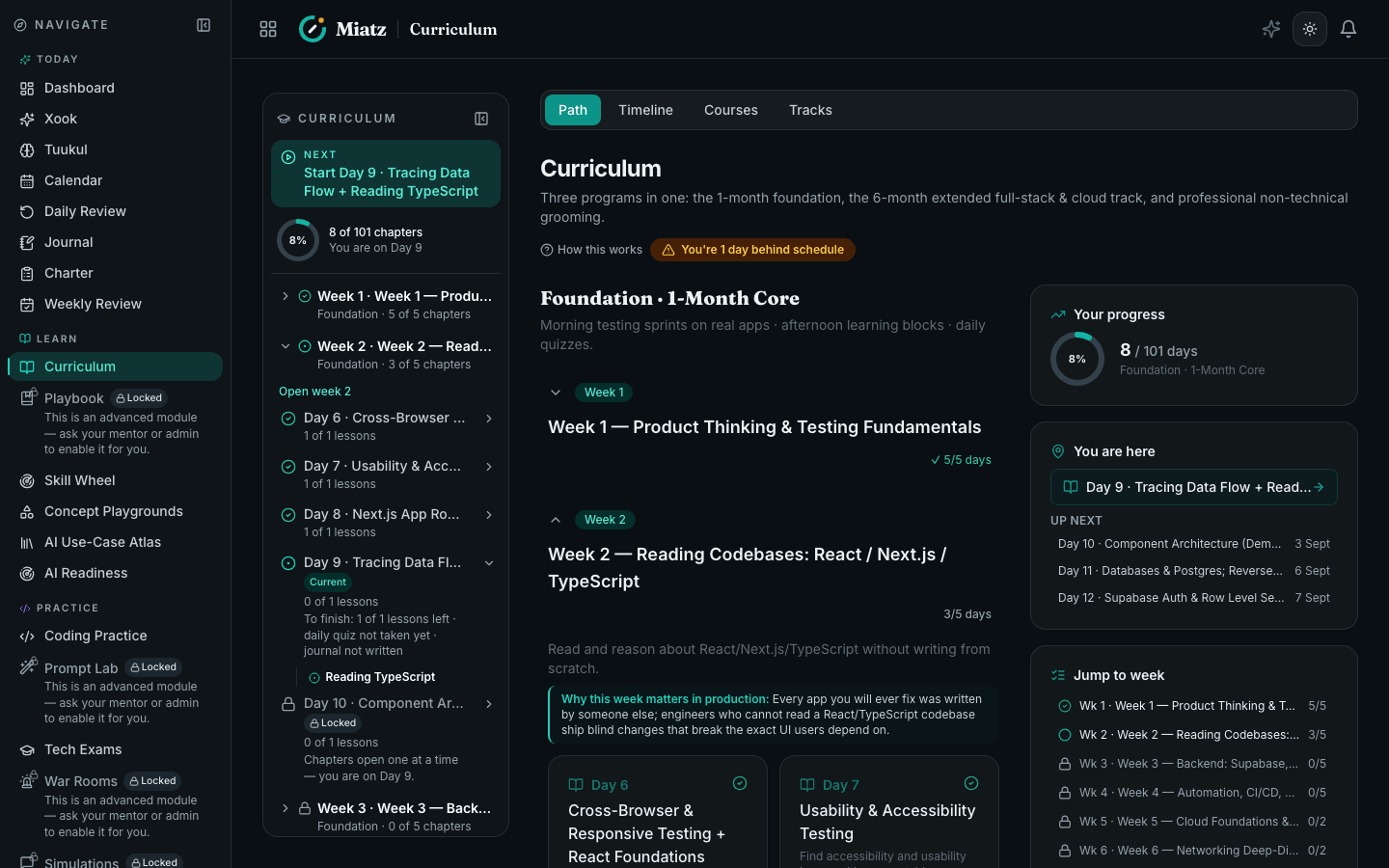
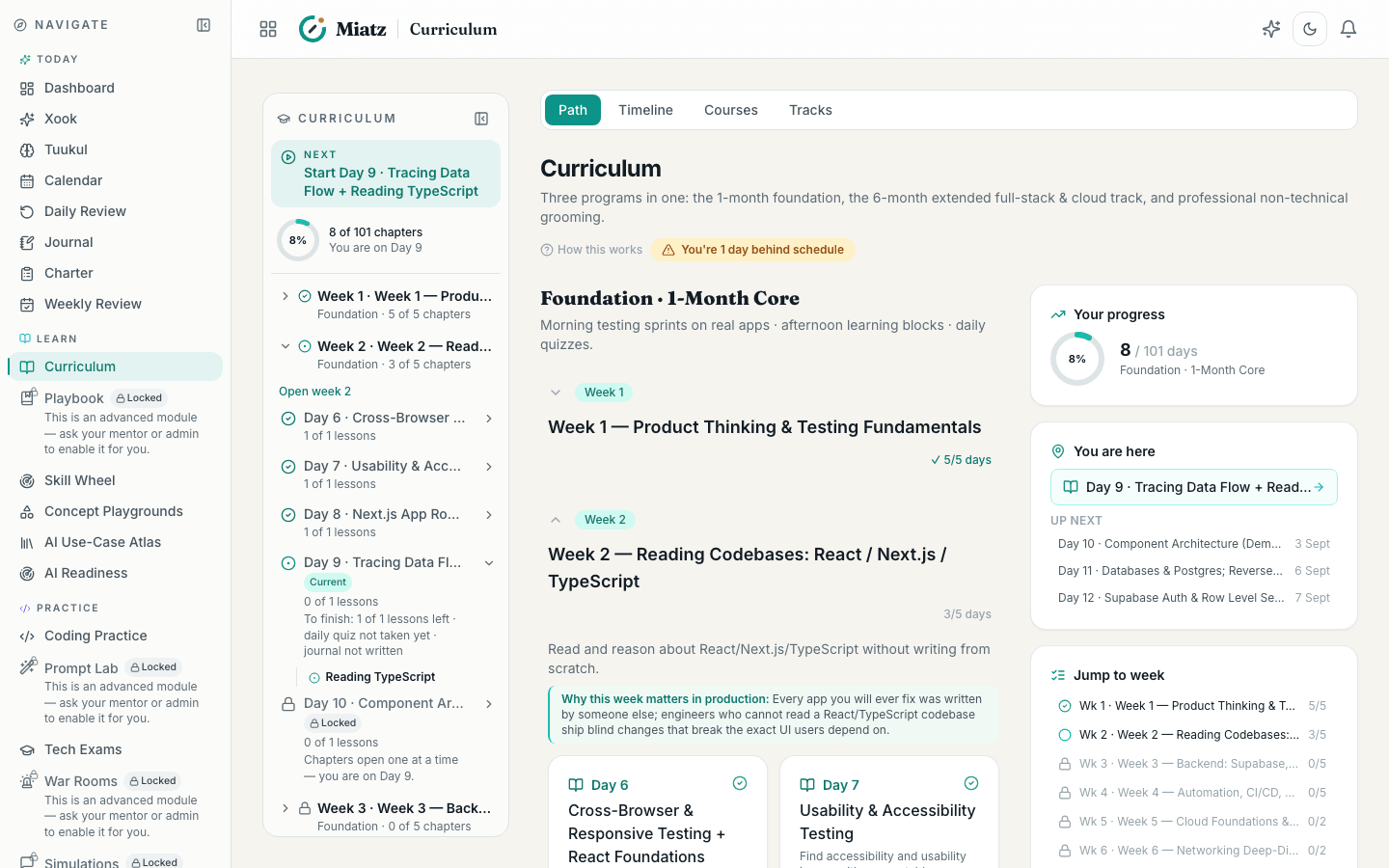
The sidebar
- Dashboard — your snapshot: streak, XP, what's next.
- Curriculum / 6-Month Journey — the structured path.
- Coding Practice — write and run code against tests, in-browser.
- Daily Review — spaced-repetition flashcards so fundamentals stick.
- Tech Exams — technology-specific exams with coding rounds.
- Prompt Lab — learn to drive an LLM well; your prompt is scored.
- War Rooms — resolve realistic production incidents.
- Skill Wheel / Advance — see your competency levels and level up.
- Apps to Test / Bug Reports — hunt real defects in live products.
- Support / Settings — get help and manage your account.
- What to Expect — the whole platform in five acts, plus what opens next for you.
Locked modules?
Some modules unlock as you progress (after admission) or when a mentor enables them for you. A lock icon means "not yet" — keep going.
Frequently asked
Why is a module locked?
Some modules unlock as you progress (after admission) or when a mentor enables them for you. A lock icon means "not yet" — keep going and it opens.
Where do I practice coding?
Open Coding Practice from the sidebar — you write and run code against tests, entirely in your browser.
Where do I get help inside the app?
The Help Center holds guides to every module, the AI Tutor answers instantly, and Support lets you raise a ticket with the team.
Related guides
Was this helpful?